SKU: LT-LMI-Remote-Yr
GUARANTEED SAVINGS Move to Splashtop and save up to 80% compared to LogMeIn Central and other remote support software solutions!
HIGH PERFORMANCE Splashtop Remote Support uses the same high-performance engine that powers our award-winning consumer products used by millions. Enjoy HD quality and fast connections.
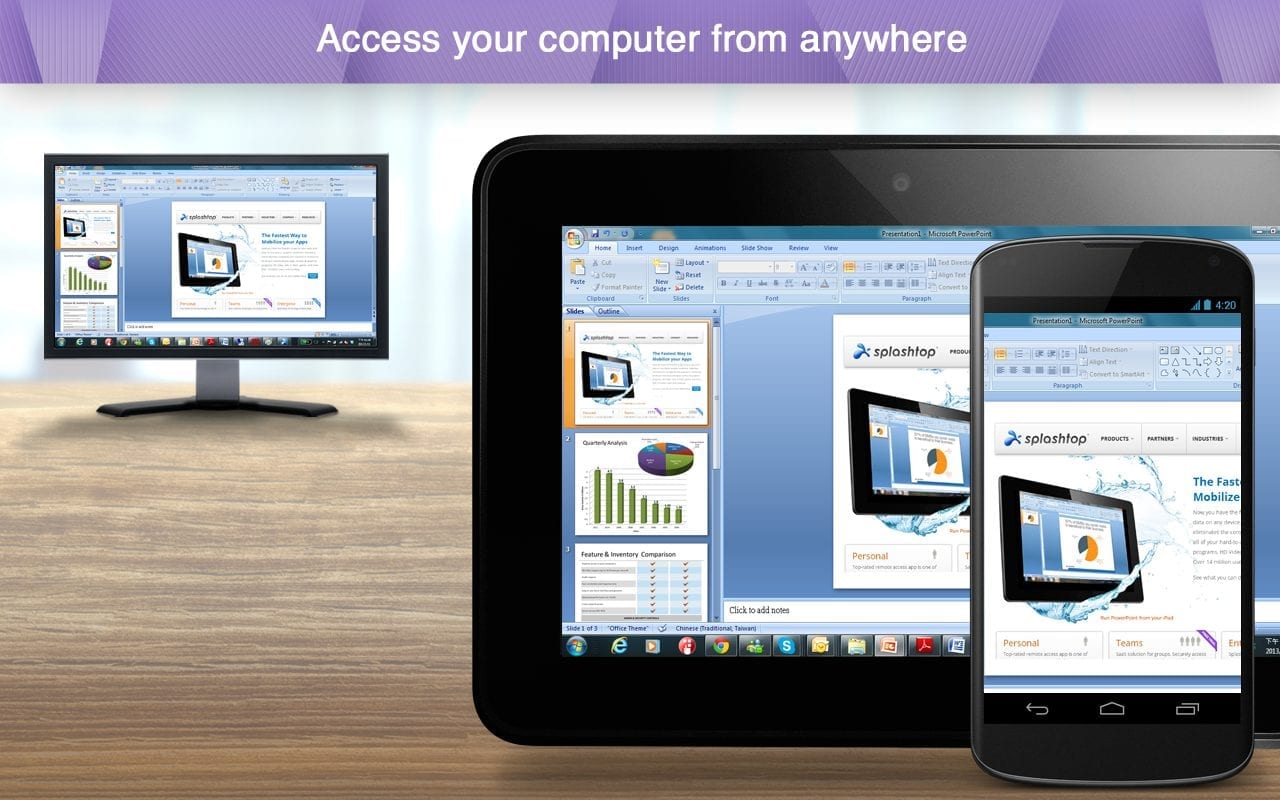
ACCESS FROM ANY DEVICE Access all of your Windows workstations, Windows servers, Macs, and Linux* computers from any Windows, Mac, iOS, or Android device, as well as from any Chrome browser or Chromebook.
ROBUST SECURITY All remote sessions are protected by security features including TLS and 256-bit AES encryption, device authentication and two-step verification. Connections, file transfers, and management events are logged.
INCREASE YOUR PRODUCTIVITY WITH THESE INCLUDED FEATURES
MULTI-TO-MULTI MONITOR View multiple remote screens from multi-monitor systems at the same time, including multi-to-one and multi-to-multi. Even multi-monitor for Mac!
FILE TRANSFER Transfer files quickly thanks to our fast and secure connections. You can drag-and-drop files between computers and also transfer files without starting a remote session!
CHAT Chat with the user at the remote computer while in a session or outside a session.
SHARE MY DESKTOP Broadcast your Windows desktop in view-only mode via a simple web link that can be viewed in almost any web browser. No app download or plug-in required.
REMOTE REBOOT Reboot the remote computer from your Splashtop app or web console. Choose Normal or Safe Mode reboot.
REMOTE WAKE Remotely wake up your computer. Target computer must support Wake-on-LAN and be connected via LAN cable. And another computer on the same network must be powered on.
REMOTE PRINT Print files on a remote computer to a local printer. No need to transfer files, and no need to fax printed documents. Just select the file you need from your remote computer and print it on your local printer instantly.
SESSION RECORDING Record remote access sessions. Use the Screen Recording button in your remote access window to start and stop recording. All recordings are saved to your local computer.
ATTENDED SUPPORT Access an end user’s Windows and Mac computer with a simple 9-digit session code for on-demand support. *Includes one shared attended support license with 1 concurrent session.
TWO USERS INTO ONE COMPUTER Two members of a team can remotely access a computer at the same time. PREMIUM EXCLUSIVE – MONITORING AND MANAGEMENT FEATURES
CONFIGURABLE ALERTS PREMIUM Set up alerts to monitor computer status, software installation, memory usage, and more. Receive alerts via the Splashtop web console and/or by email.
UPDATE MANAGEMENT PREMIUM Keeping Windows updated is essential for security and performance. Use the Windows Update management features to ensure that your computers are always up-to-date.
REMOTE COMMAND PREMIUM Send commands to a remote computer’s command prompt in the background. You can run command line or terminal commands. Available for Windows and Mac.
SYSTEM INVENTORY PREMIUM Use Check Inventory to take a snapshot of Windows or Mac system inventory information. You can compare snapshots or view a change log to identify changes.
ALERTS FOR WINDOWS EVENTS PREMIUM Monitor Windows Event Logs by setting alerts. An alert is generated when an event log’s criteria matches the triggers set by the admin.
VIEW EVENT LOGS PREMIUM Get quick access to Windows event logs by clicking the gear icon next to a computer in the web console. No need to remote into the computer to view and troubleshoot.
SCHEDULED ACTIONS PREMIUM Create, schedule, monitor, and execute System Reboot and Windows Update actions on remote computers.
ENDPOINT SECURITY STATUS PREMIUM View endpoint security protection status for Windows computers running Bitdefender, Windows Defender, Kaspersky, and more. Ensure that your endpoints are protected.
UNATTENDED ANDROID ACCESS PREMIUM Remote into Android devices including smartphones, tablets, rugged Android devices, POS devices, kiosks and set top boxes. Learn more.
MORE COMING SOON PREMIUM Upcoming feature plans include availability of Additional antivirus / anti-malware Integrations, System Updates and View Event Logs for Mac, and Inventory Reporting.