01
Always-On Management
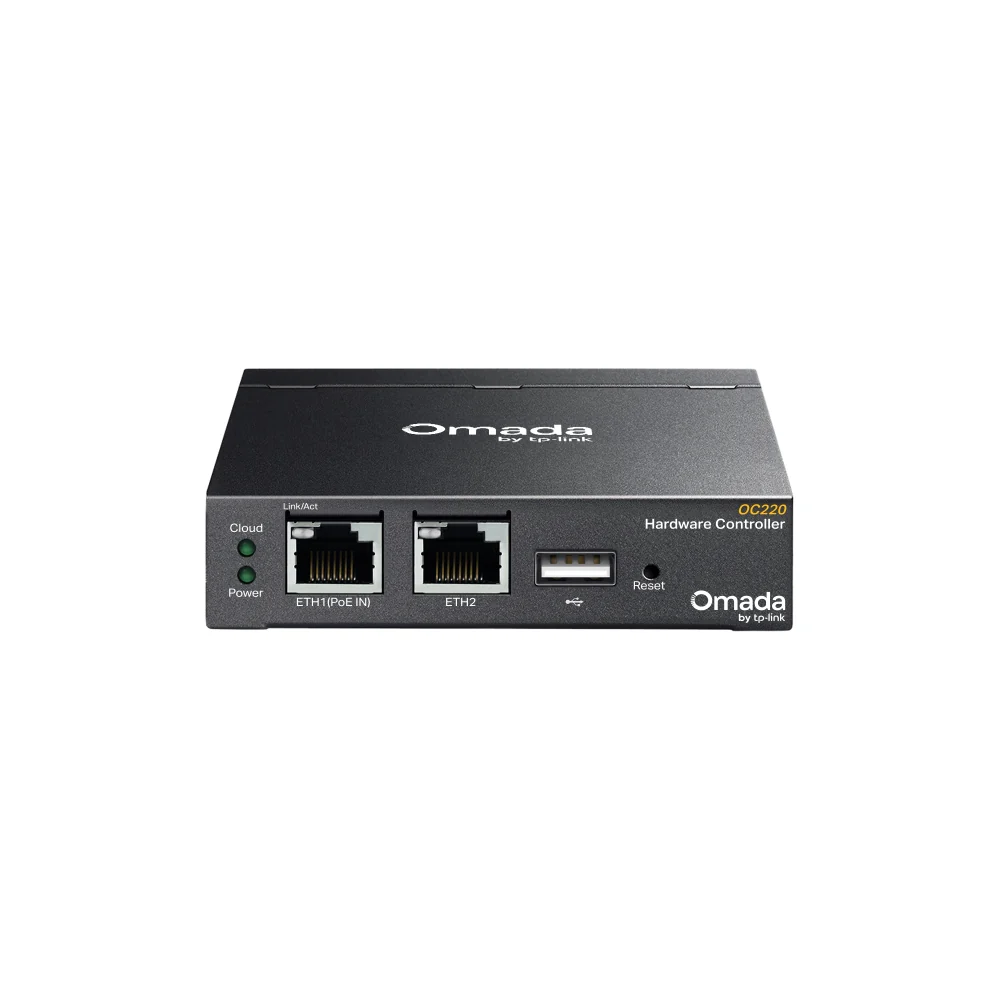
A purpose-built controller keeps your management platform available without dedicating a workstation or maintaining a software-controller operating system.
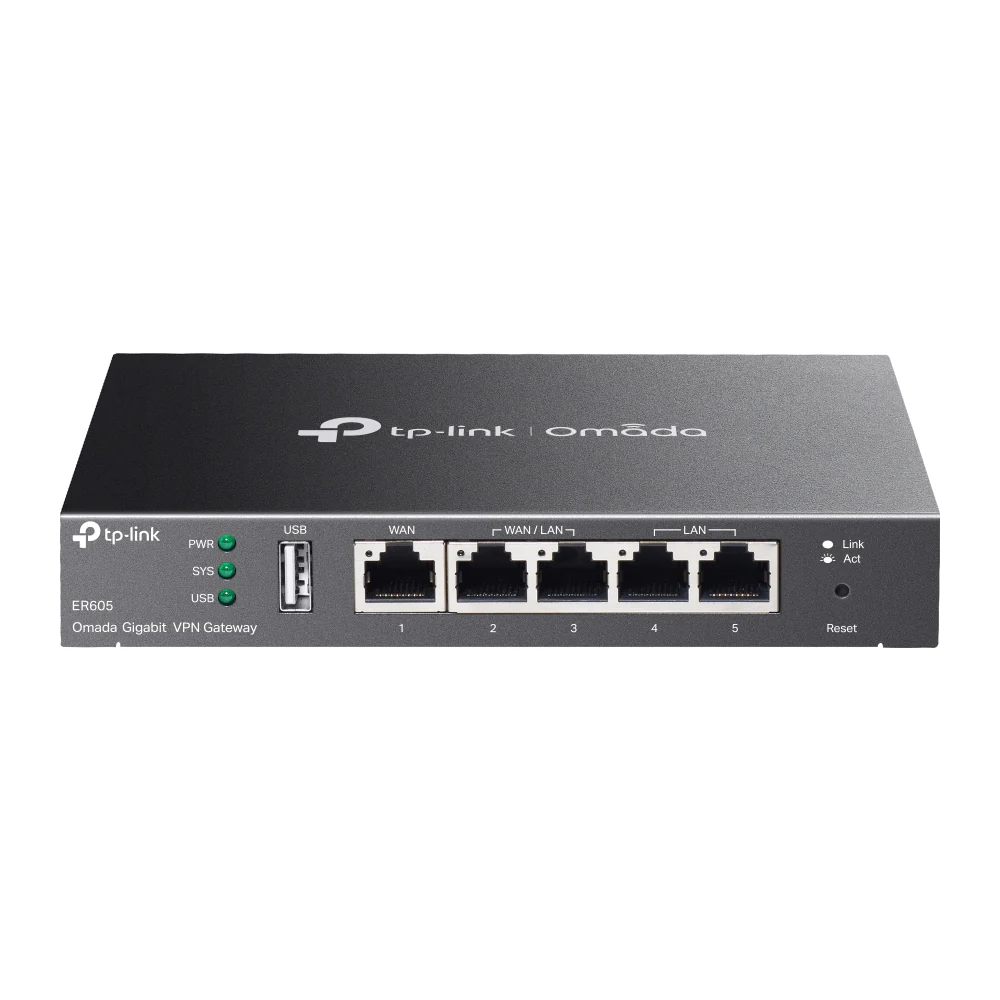
SKU: ER605
Dedicated Omada Network Management
The TP-Link Omada OC220 centralizes the management of compatible Omada access points, switches, gateways, and select GPON OLTs—without requiring an always-on computer or separately maintained controller server.
Centralized Control
Bring compatible Omada infrastructure together in a unified management platform with centralized configuration, monitoring, reporting, and troubleshooting tools.
A purpose-built controller keeps your management platform available without dedicating a workstation or maintaining a software-controller operating system.
View managed devices, connected clients, statistics, alerts, logs, and network topology from a centralized dashboard.
Administer the network locally or use optional Omada cloud access and the Omada app when remote management is required.
Organize and manage multiple locations while using site and device templates to promote more consistent configurations.
Configure compatible portal authentication, vouchers, local users, RADIUS, 802.1X, and other supported access-control features.
Use centralized diagnostics, event records, configuration backup and restore, plus automatic backup to compatible external USB storage.
Management Capacity
The OC220 supports defined maximums for each managed-device category, making it well suited to small and midsize organizations with substantial wireless and wired infrastructure.
Capacity figures are manufacturer laboratory maximums and apply by device category, not as 130 devices in any combination. Actual deployment capacity and available functionality can vary by topology, configuration, device compatibility, model, and firmware.
Know Its Role
Live-Tech Professional Services
Live-Tech can help plan, configure, migrate, and document your Omada environment—from initial controller adoption to VLANs, wireless networks, guest access, remote administration, backups, and ongoing support.
Technical Details
Core hardware, connectivity, capacity, power, and package information for deployment planning.
Deployment Path
Verify that each intended Omada device and firmware version supports OC220 management.
Connect the controller to the management network and supply PoE or suitable Micro-USB power.
Create administrative credentials, apply updates, and configure local or cloud access.
Discover and adopt compatible gateways, switches, access points, and supported OLTs.
Configure alerts, create backups, document the deployment, and establish an update routine.
Frequently Asked Questions
No. The OC220 is a self-contained hardware controller, so Omada management does not need to run continuously on a separate PC or server. A computer or mobile device is still used when accessing its management interface.
No. It is a management appliance rather than a traffic gateway. You still need a compatible router or gateway to provide routing, internet access, firewall, VPN, NAT, and related network functions.
TP-Link advertises optional free cloud access for the OC220 without a recurring controller license fee. Internet access and a TP-Link account are required for cloud connectivity. Separately purchased services or future premium offerings may have their own terms.
No. The package includes the controller, an Ethernet cable, and the installation guide. Provide an 802.3af/at PoE source or compatible Micro-USB cable and 5 V DC power source rated for at least 1 A.
No. Management is limited to compatible Omada devices, models, and firmware versions. Confirm the current Omada compatibility list before purchasing or migrating an existing network.
Yes. It supports multi-site management, subject to device compatibility, capacity limits, network reachability, and proper deployment design.
Hardware purchase does not automatically include installation, configuration, migration, cabling, compatible network devices, backup storage, or ongoing management unless those services are specifically included in your Live-Tech order.
Choose the OC220 for centralized local and remote management, or speak with Live-Tech about controller sizing, compatibility, migration, and professional deployment.
Product capabilities, compatibility, capacity, interface availability, and cloud services may vary by hardware version, firmware, managed-device model, configuration, and region. Confirm requirements before deployment.
Processing...