
Family IT Plans | FIT - Home Computer Repair & Technology Support

D
00
H
00
M
00
S
00

Live-Tech Family IT plans bring rapid, effective solutions to solve your everyday technical problems. We support from Desktop’s to Laptop’s, Smartphone to Tablets, Printers & Wired \ Wireless Network to the Cloud.

SKU: LT-FIT-Monthly

Tags:
Computer repair Family fit Home home computer repair Home Office Remote Assistance Remote Tech Support Residential tech support at home technical support

Share:
Family IT Support Plans | Live-Tech
Live-Tech Family IT Plans | FIT

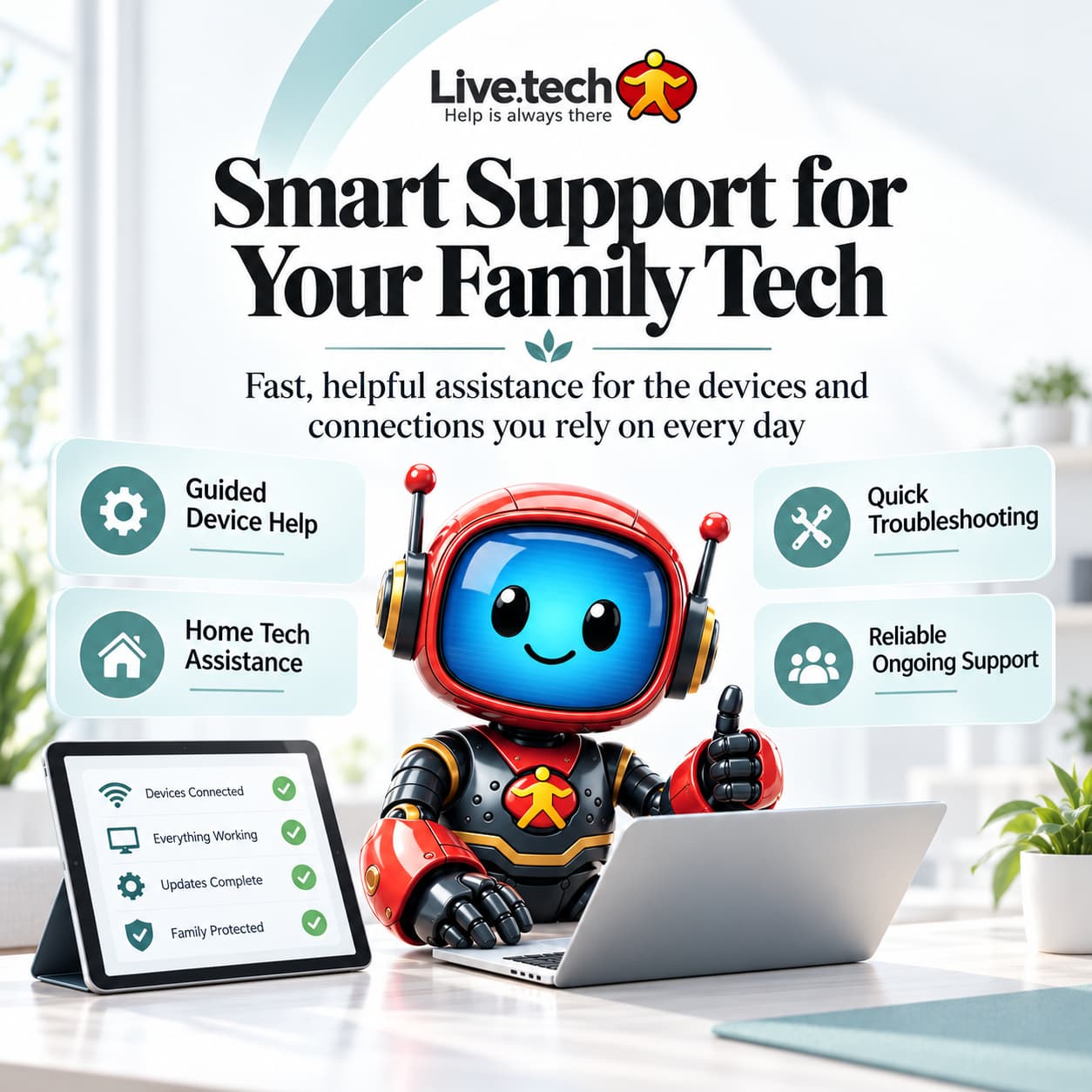
Smart Support for Your Family Tech

🌿

Fast, helpful assistance for the devices and connections you rely on every day

Live-Tech Family IT Plans (FIT) bring rapid, friendly computer repair & technology solutions to eliminate your everyday digital hassles. Keep your entire household working seamlessly—from Windows PCs and Apple Macs to Home Wi-Fi, Wireless Printers, Mobile Phones, and Connected Smart Devices.

📞 Need Immediate Assistance? Toll-Free Hotline: 1 (888) 361-8511
👨‍👩‍👧‍👦
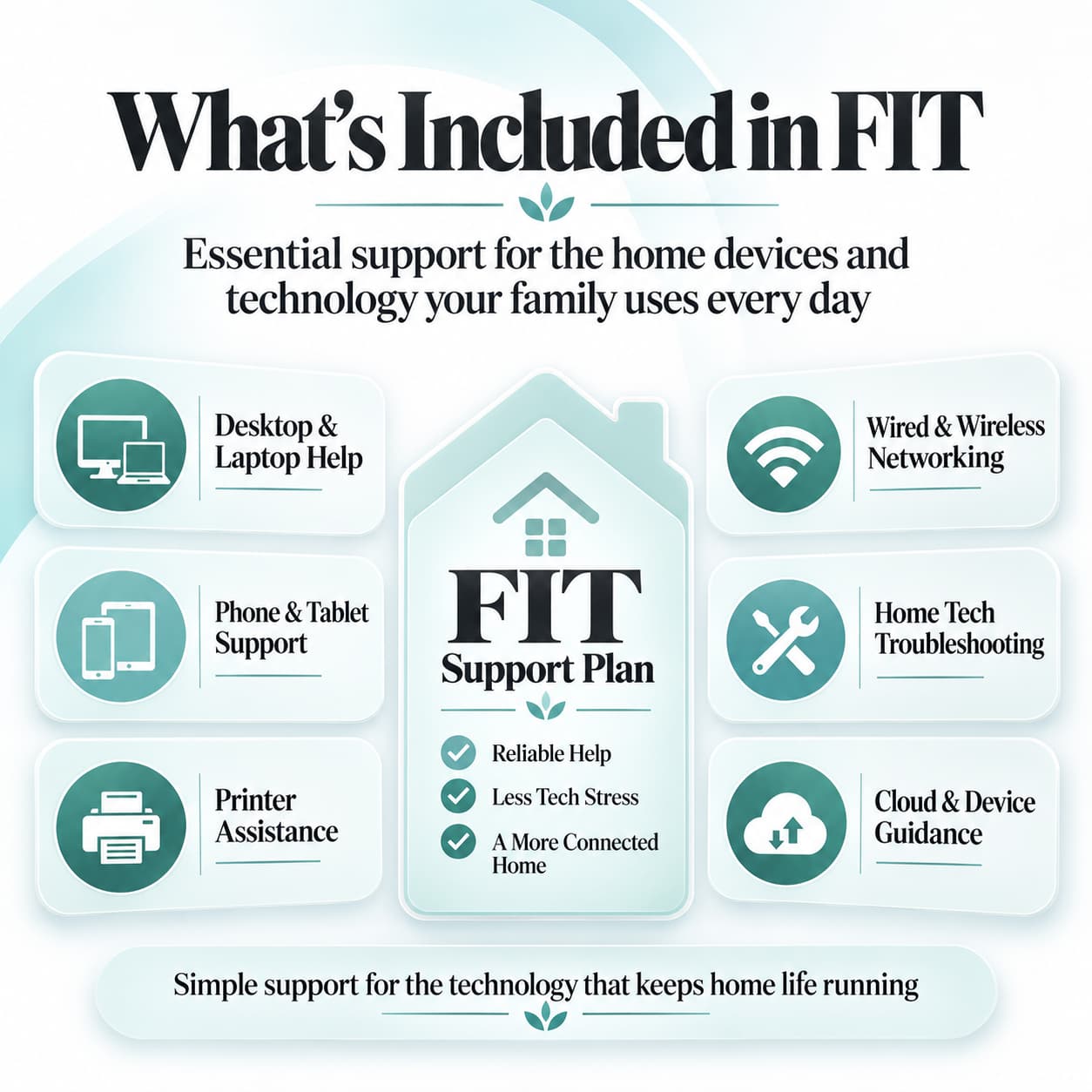
Whole Family Device Coverage Desktops, laptops, tablets, smartphones & printers
🎟️
Flexible Monthly Sessions Choose 1, 3, 5, 10 sessions or Addon Device tiers
⚡
Instant Remote Resolution 256-bit encrypted secure screen connection
🛡️
Certified US-Based Technicians Over 15+ years of trusted tech support since 2007

Our Family IT Support | FIT Plan Model

Comprehensive Care

Modern households rely on technology more than ever. From remote work meetings and online classes to streaming entertainment, smart home automation, and family photo management, an unexpected computer slowdown or network glitch can disrupt the entire household routine.

Live-Tech's Family IT Support (FIT) model is engineered to eliminate technical headaches through convenient, reliable remote assistance. Instead of paying unpredictable hourly diagnostic rates or unplugging cables for store visits, your family receives dedicated monthly support sessions with certified professionals.

💡 One Unified Plan for Every Device in Your Home:

Whether someone in the family uses a Windows gaming PC, a MacBook Air, an iPad, an Android smartphone, or needs wireless printer setup, Live-Tech has your entire household fully covered.

Common Household Tech Problems & How We Solve Them

Problems & Solutions
❌
Problem: Computer Slowdowns & Freezing

Sluggish boot times, applications crashing during work or school, and background software conflicts causing constant lag.

✅
Live-Tech Solution: Complete System Optimization

Certified technicians remove bloatware, clean up disk clutter, optimize memory usage, and resolve operating system bottlenecks.

❌
Problem: Wi-Fi Drops & Weak Range

Intermittent connection drops, weak signals in upstairs bedrooms, and video buffering during essential family calls.

✅
Live-Tech Solution: Wi-Fi & Mesh Optimization

We audit router channels, eliminate wireless interference, optimize mesh extenders, and configure secure guest networks.

❌
Problem: Wireless Printer Showing Offline

Printers refusing to print from laptops or phones, corrupted drivers, and scanning errors right before urgent deadlines.

✅
Live-Tech Solution: Printer Setup & Driver Repairs

We install verified manufacturer drivers, configure static network discovery, and ensure every household device can print smoothly.

❌
Problem: Deceptive Browser Popups & Adware

Fake virus warnings, hijacked browser start pages, suspicious extensions, and invasive adware confusing kids or seniors.

✅
Live-Tech Solution: Malware & Popup Cleanup

We remove browser hijackers, purge harmful extensions, activate safe browsing defenses, and protect your family online.

❌
Problem: Email Out of Sync & Lost Access

Emails failing to sync between laptops and mobile phones, missing inbox folders, and frustrating password/2FA recovery lockouts.

✅
Live-Tech Solution: Email & Cloud Synchronization

We configure Outlook, Apple Mail, and Gmail seamlessly across all devices and provide patient help with account recovery.

❌
Problem: Smart TVs & Mobile Pairing Issues

New smart TVs, tablets, streaming media sticks, or IoT devices failing to connect or authenticate on household Wi-Fi.

✅
Live-Tech Solution: Smart Device Setup & Onboarding

We safely onboard and configure all iOS, Android, streaming, and smart home hardware onto your home network without hassle.

Why Families Choose Live-Tech FIT Plans

Core Advantages
👨‍👩‍👧‍👦
One Plan for the Entire Household

No need for multiple individual service subscriptions. Cover all family computers and peripherals under one flexible plan.

⚡
Rapid Remote Resolution

Get immediate help from certified technicians without unplugging computers or waiting days for an in-person technician.

⏱️
Save Time & Eliminate Frustration

Avoid hours of confusing online forums and conflicting advice. Let experienced IT professionals handle the troubleshooting.

🔒
Proactive Family Protection

Safeguard children, parents, and seniors from deceptive popups, malware threats, and vulnerable network configurations.

⭐
Friendly, Patient Tech Experts

Our US-based support specialists explain technical solutions clearly in plain English without confusing technical jargon.

📈
Flexible Monthly Sessions

Choose 1, 3, 5, 10 sessions per month or Addon Device tiers that scale easily as your family's technology needs grow.

Plan Scope & Transparency

Coverage Details

✅ Included with Your FIT Plan

  • ✓ Dedicated monthly support sessions (1, 3, 5, 10 or Addon)
  • ✓ Windows PC & Apple Mac operating system troubleshooting
  • ✓ Home Wi-Fi, mesh router configuration & speed optimization
  • ✓ Wireless printer & scanner setup, driver repairs & sharing
  • ✓ Email client setup (Outlook, Apple Mail, Gmail) & syncing
  • ✓ Virus, adware & deceptive popup removal guidance
  • ✓ Smartphone, tablet & smart TV network onboarding

⚠️ Not Included with FIT

  • ! Physical hardware part replacements or soldering repairs
  • ! On-site in-person home visits & in-wall network cabling
  • ! Clean-room mechanical hard drive data recovery
  • ! Commercial corporate servers & enterprise business networks

How Live-Tech Support Works

4 Simple Steps
STEP 01 💳

Select Your Plan

Choose your monthly session package (1, 3, 5, 10 sessions or Addon Device) to activate your account.

STEP 02 📞

Contact Live-Tech

Whenever an issue arises, reach out via toll-free phone, WhatsApp chat, or launch our secure remote SOS client.

STEP 03 ⚡

Live Remote Fix

A certified technician connects safely with your permission to diagnose and resolve the problem on your screen.

STEP 04 ✅

Smooth Family Tech

Your devices are tested, optimized, and ready so your family can return to work, study, and play without delay.

Smart Support for Your Family Tech

Tailored Household Care

Personalized IT Assistance for Every Member of the Family

Technology needs vary across household members. Whether a parent is leading an urgent client video conference, a child is submitting a school assignment, or grandparents need patient guidance with an email account, Live-Tech delivers certified, friendly troubleshooting on demand.

🌿 Zero Jargon Guidance ⏱️ Instant Response 🔒 Total Privacy 📱 Multi-Device Ready
👨‍👩‍👧
Busy Parents Household Care

Keep family computers, printers, and home Wi-Fi working smoothly without spending weekends troubleshooting.

💼
Remote Workers Zero Downtime

Ensure reliable home office equipment, clear video conferencing, and rapid fixes during crucial work hours.

🎓
Students & Learners Classroom Shield

Prevent technical interruptions and connectivity drops during online lectures, research, and homework.

👴
Grandparents & Seniors Patient Support

Enjoy patient, step-by-step guidance from friendly technicians without any confusing technical jargon.

Frequently Asked Questions (F.A.Q!)

Helpful Answers
What is included in the Family IT Support (FIT) plan?

FIT plans provide dedicated monthly remote sessions covering Windows PCs, Macs, mobile devices, home Wi-Fi routers, wireless printers, email synchronization, and popup/malware cleanup.

How many devices can be covered under our household plan?

Our plans cover multiple household devices. You can choose packages with 1, 3, 5, or 10 sessions per month, or add specific Basic/Advanced Addon Devices as needed.

How do I connect with a technician when I need help?

Simply call our toll-free hotline at 1 (888) 361-8511, message us on WhatsApp, or launch our secure Live-Tech SOS client directly from your computer.

Is the remote connection secure and private?

Yes. All remote sessions use bank-grade 256-bit encryption. You maintain full visibility of everything on your screen and can disconnect at any time.

Are Apple Mac and Windows PC both supported together?

Absolutely! Live-Tech certified technicians support mixed households with both Windows PCs/laptops and Apple Mac desktops/MacBooks under the same plan.

Can I upgrade or change my session package later?

Yes, you can easily adjust your monthly session tier or add extra device coverage anytime directly from your Live-Tech account.

Keep Your Home Technology Running with Live-Tech

Experience effortless family technology. Choose your monthly session plan and let Live-Tech’s certified IT technicians handle all your home computer and network needs.

Family IT Plans | FIT - Home Computer Repair & Technology Support
Based on 0 reviews
0.0
overall

No reviews found.