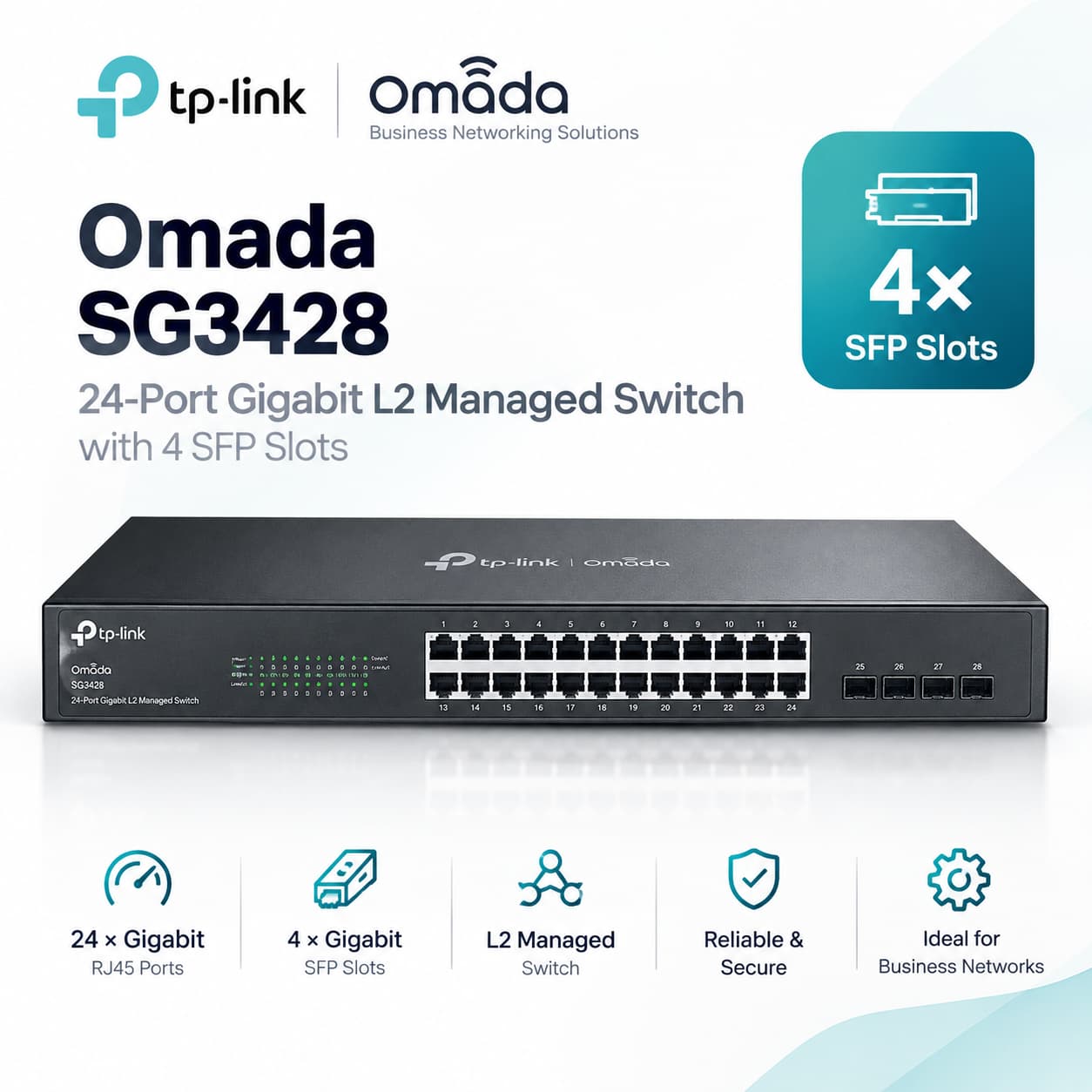
Omada 24-Port Gigabit L2+ Managed Switch with 4 SFP Slots, SG3428
Omada 24-Port Gigabit L2+ Managed Switch with 4 SFP Slots
PORT: 24x Gigabit RJ45 Ports, 4x Gigabit SFP Slots, RJ45/Micro-USB Console Port
SPEC: 1U 19-inch Rack-mountable Steel Case
FEATURE: Integration with Omada SDN Controller, Static Routing, OAM, 802.1Q VLAN, Qin Q, STP/RSTP/MSTP, IGMP Snooping, 802.1p/DSCP QoS, ACL, 802.1x, Radius/Tacacs+ Authentication, LACP, CLI, SNMP, Dual Image/Configuration, IPv6
SKU: SG3428
Build a faster, organized network with the Omada SG3428
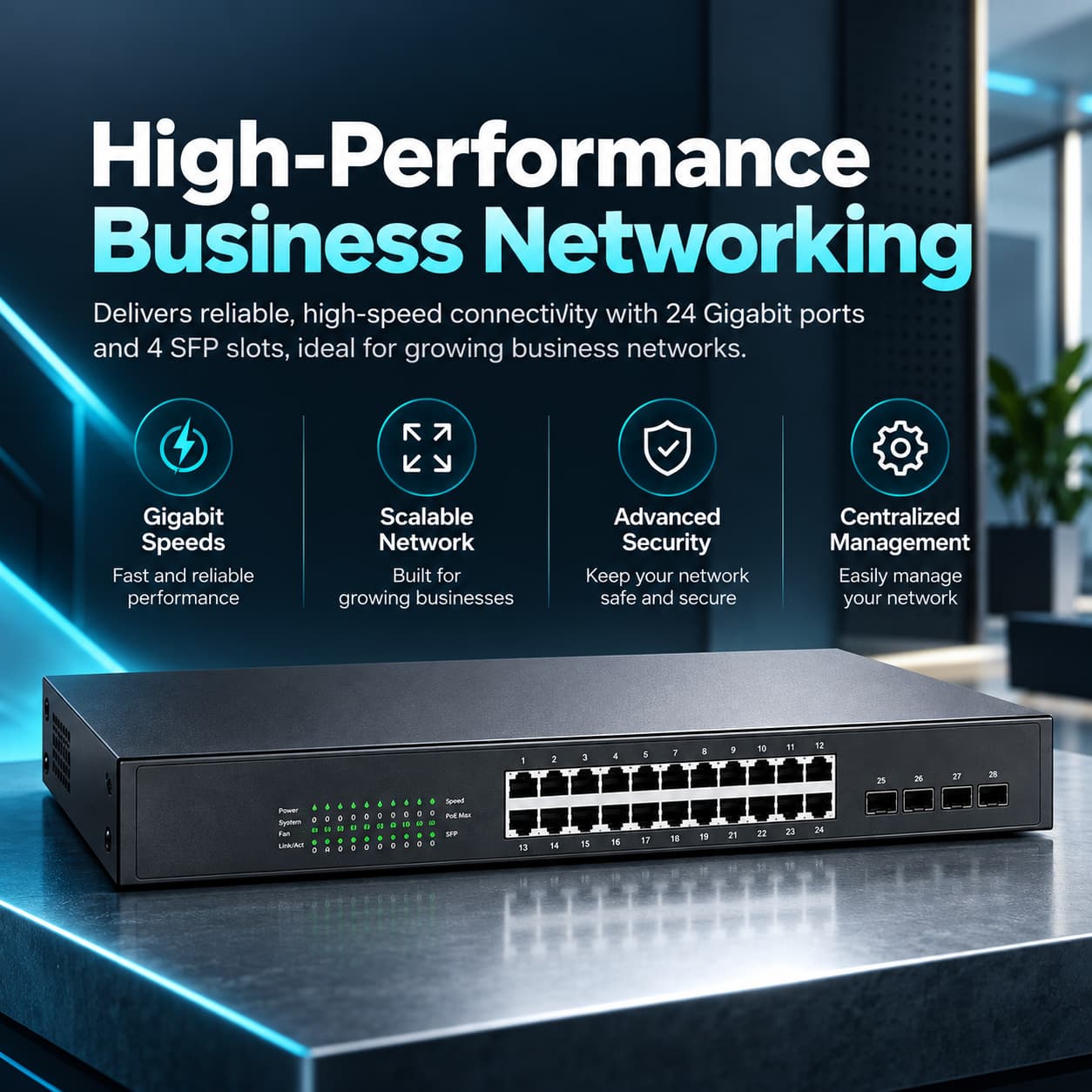
Connect workstations, servers, printers, storage, gateways, and other wired devices through a centrally managed business switch. The SG3428 combines 24 Gigabit Ethernet ports, four Gigabit SFP slots, advanced L2+ controls, static routing, and Omada cloud management in a silent, rack-mountable metal enclosure.
More than additional Ethernet ports
The SG3428 gives businesses the visibility, segmentation, security, and traffic-management features unavailable on basic unmanaged switches.
24 Gigabit RJ45 ports
Connect computers, servers, printers, storage systems, gateways, and other wired devices at speeds up to 1 Gbps per port.
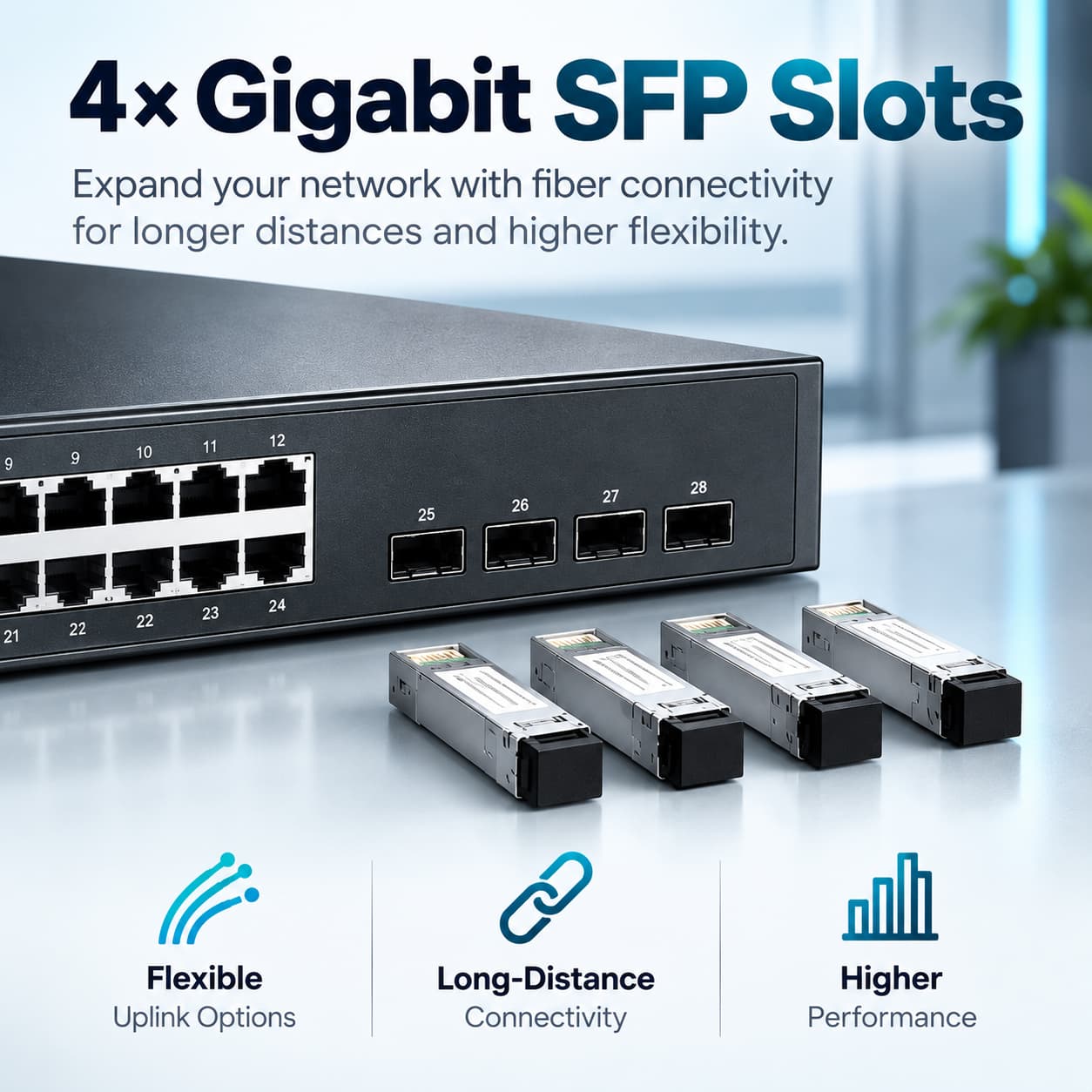
Four Gigabit SFP slots
Add compatible fiber or copper SFP modules for switch uplinks, longer-distance connections, or links between network areas.
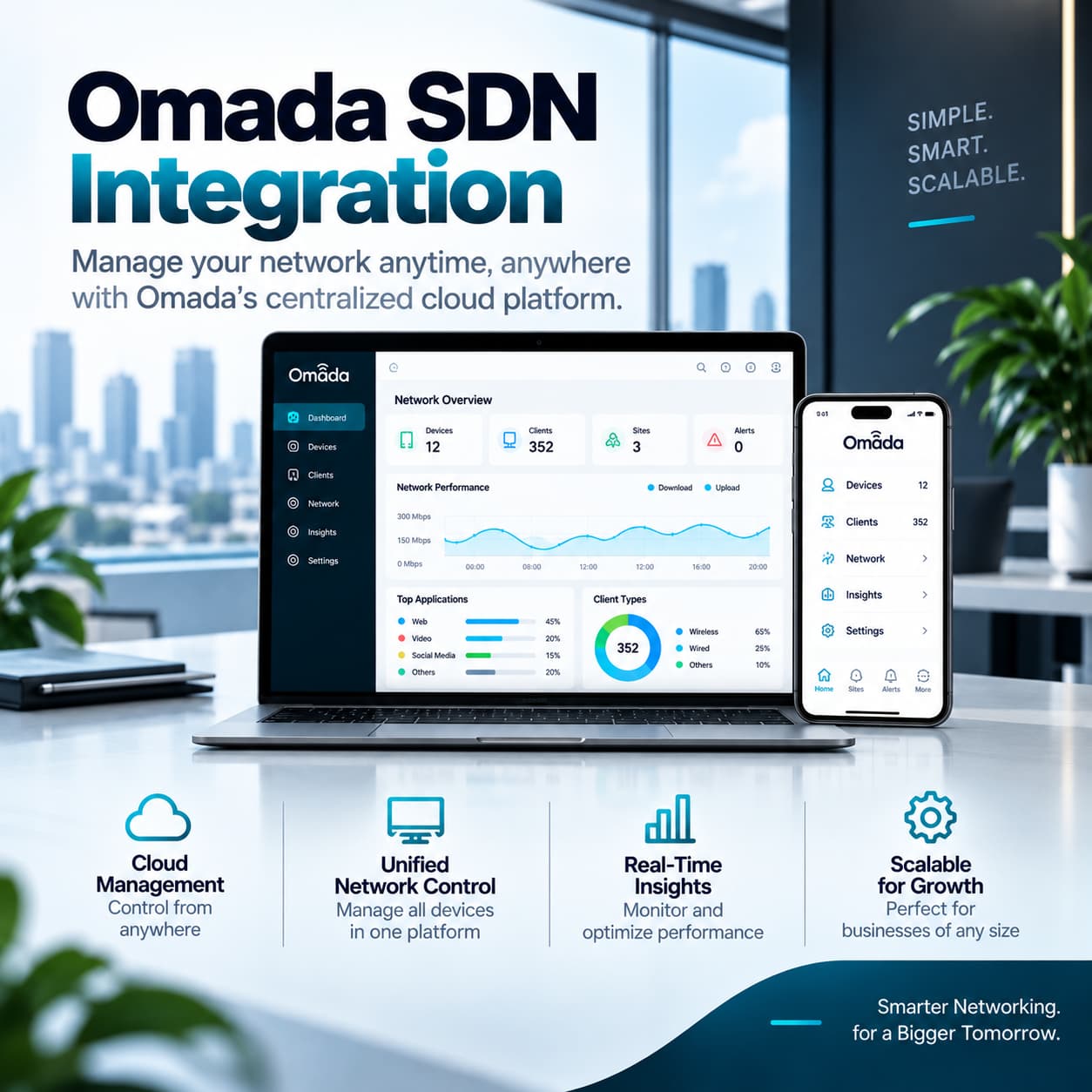
Centralized Omada management
Manage switches, gateways, and wireless access points from a unified Omada interface through the web or Omada app.
VLAN network segmentation
Separate employee, guest, voice, server, camera, and operational traffic to improve organization, performance, and security.
Static routing
Route selected internal traffic directly through the switch for more efficient communication between properly configured network segments.
Advanced protection
ACLs, DHCP Snooping, ARP Inspection, 802.1X, port security, storm control, source guard, and port isolation help protect the wired network.
Flexible copper and fiber connectivity
Use the SG3428 as the central access switch for a small or midsize business network, or as part of a larger Omada deployment.
A strong fit for organized business networks
The SG3428 is designed for businesses that need reliable Gigabit connectivity and professional management without requiring PoE or 10-gigabit uplinks.
- Professional offices and medical practices
- Retail, hospitality, and multi-room environments
- Server rooms and structured network racks
- Workstation, printer, NAS, and server connectivity
- Employee, guest, voice, and server VLANs
- Multi-location Omada SDN environments
- Quiet offices requiring fanless operation
Deploy it properly with Live-Tech
Live-Tech can help transform the SG3428 from a hardware purchase into a properly planned, secured, and documented network deployment.
- Switch installation and rack organization
- Port mapping, labeling, and documentation
- VLAN and network segmentation design
- Link aggregation and uplink configuration
- Omada controller adoption and cloud management
- ACL, QoS, voice, and security-policy configuration
- Firmware updates and performance verification
- Ongoing monitoring and managed network support
Omada SG3428 hardware details
Review the main specifications before planning your rack, uplinks, VLANs, fiber modules, and connected devices.
From switch purchase to organized network
Confirm the correct model
Verify that Gigabit ports without PoE and Gigabit SFP uplinks meet your network requirements.
Plan ports and uplinks
Identify connected devices, rack position, cable routes, uplinks, and required SFP modules.
Configure the network
Create VLANs, access policies, trunks, QoS rules, link aggregation, and Omada management.
Test and document
Verify connectivity, security, routing, firmware, port assignments, labels, and performance.
Important information before ordering
Does the SG3428 provide PoE power?
No. The SG3428 is a non-PoE managed switch. Devices such as wireless access points, VoIP phones, and cameras must use their own power adapters, separate PoE injectors, or a different PoE-capable switch.
Are the four SFP slots 10 Gigabit?
No. The four slots support 100 Mbps or 1 Gigabit SFP modules. They are not 10G SFP+ slots. Customers requiring 10G uplinks should select an appropriate SFP+ switch model.
Are SFP modules included?
No. SFP transceivers, direct-attach cables, and fiber patch cables are sold separately. The correct module depends on the cable type, connector, wavelength, and required distance.
Can the switch be managed without an Omada controller?
Yes. The SG3428 supports standalone management through its web interface, CLI, SNMP, and RMON. Centralized cloud management, the Omada app, and related SDN features require a compatible Omada controller.
Is the SG3428 a full Layer 3 switch?
The SG3428 is an L2+ managed switch with static IPv4 and IPv6 routing. It is suitable for selected internal routing tasks but is not intended to replace a full dynamic-routing Layer 3 core switch or security gateway.
Can I separate departments and device types?
Yes. VLANs, ACLs, port isolation, Voice VLAN, QoS, and other traffic controls can separate employee, guest, voice, server, printer, camera, and operational networks.
Does this purchase include Live-Tech installation?
This listing covers the SG3428 hardware and manufacturer-included accessories. Live-Tech installation, cabling, configuration, SFP modules, fiber work, network design, and managed support are separate unless specifically included in your order or quote.
Bring professional control to your wired network
Order the Omada SG3428 today, or speak with Live-Tech about rack installation, VLAN design, Omada management, security, fiber uplinks, and ongoing network support.
HARDWARE FEATURES
Interface • 24× 10/100/1000 Mbps RJ45 Ports (Auto-Negotiation/Auto MDI/MDIX)
• 4× 100/1000 Mbps SFP Slots
• 1× RJ45 Console Port
• 1× Micro-USB Console Port
Fan Quantity Fanless
Physical Security Lock √
Power Supply 100-240 V AC~50/60 Hz
Dimensions ( W x D x H ) 17.3×7.1×1.7 in (440×180×44 mm)
Mounting Rack Mountable
Max. Power Consumption 20.6 W (220 V/50 Hz)
Max. Heat Dissipation 70.30 BTU/h (220 V/50 Hz)
PERFORMANCE
Packet Buffer Memory 12 Mbit
Jumbo Frame 9 KB
Switching Capacity 56 Gbps
Packet Forwarding Rate 41.66 Mpps
MAC Address Table 16K
SOFTWARE FEATURES
Quality of Service • 8 priority queues
• 802.1p CoS/DSCP priority
• Queue scheduling: SP (Strict Priority), WRR (Weighted Round Robin), SP+WRR
• Bandwidth Control: Port/Flow-based Rating Limiting
• Smoother Performance
• Action for Flows: QoS remark (802.1P Remark, DSCP Remark)
L2 and L2+ Features • 128 IP Interfaces: Support IPv4/IPv6 Interface
• Static Routing: 48 IPv4/IPv6 Static Routes
• Static ARP: 128 static entries
• 512 ARP Entries
• Proxy ARP
• Gratuitous ARP
• DHCP Server
• DHCP Relay: DHCP Interface Relay, DHCP VLAN Relay
• DHCP L2 Relay
• Link Aggregation
• Spanning Tree Protocol
• Loopback Detection
• 802.3x Flow Control
• Mirroring
• Device Link Detect Protocol (DLDP)
L2 Multicast • Supports 511 (IPv4, IPv6) IGMP groups
• IGMP Snooping
• IGMP Authentication
• Multicast VLAN Registration (MVR)
• MLD Snooping
• Multicast Filtering: 256 profiles and 16 entries per profile
Advanced Features • Automatic Device Discovery†
• Batch Configuration†
• Batch Firmware Upgrading†
• Intelligent Network Monitoring†
• Abnormal Event Warnings†
• Unified Configuration†
• Reboot Schedule†
ISP Features*:
• L2PT (Layer 2 Protocol Tunneling)
• Device Link Detect Protocol (DLDP)
• PPPoE ID Insertion
• ERPS
• 802.3ah Ethernet Link OAM
• DDM
• sFlow
VLAN • VLAN Group: Max 4K VLAN Groups
• 802.1q Tagged VLAN
• MAC VLAN: 30 Entries
• Protocol VLAN: Protocol Template 16, Protocol VLAN 16
• Private VLAN
• GVRP
• VLAN VPN (QinQ): Port-Based QinQ; Selective QinQ
• Voice VLAN
Access Control List • Time-based ACL
• MAC ACL: Source MAC, Destination MAC, VLAN ID, User Priority, Ether Type
• IP ACL: Source IP, Destination IP, Fragment, IP Protocol, TCP Flag, TCP/UDP Port, DSCP/IP TOS, User Priority
• Combined ACL
• Packet Content ACL
• IPv6 ACL
• Policy: Mirroring, Redirect, Rate Limit, QoS Remark
• ACL applies to Port/VLAN
Security • IP-MAC-Port Binding
- 512 Entries
- DHCP Snooping
- ARP Inspection
- IPv4 Source Guard: 100 Entries
• IPv6-MAC-Port Binding
- 512 Entries
- DHCPv6 Snooping
- ND Detection
- ND Snooping
- IPv6 Source Guard: 100 Entries
• DoS Defend
• DHCP Filter
• Static/Dynamic Port Security: Up to 64 MAC addresses per port
• Broadcast/Multicast/Unicast Storm Control: kbps/ratio/pps control mode
• 802.1X
- Port-based authentication
- Mac-base authentication
- VLAN Assignment
- MAB
- Guest VLAN
- Radius authentication and accountability support
• AAA (including TACACS+)
• Port Isolation
• Secure web management through HTTPS with SSLv3/TLS 1.2
• Secure Command Line Interface (CLI) management with SSHv1/SSHv2
• IP/Port/MAC-based access control
IPv6 • IPv6 Dual IPv4/IPv6
• Multicast Listener Discovery (MLD) Snooping
• IPv6 ACL
• IPv6 Interface
• Static IPv6 Routing
• IPv6 neighbor discovery (ND)
• Path maximum transmission unit (MTU) discovery
• Internet Control Message Protocol (ICMP) version 6
• TCPv6/UDPv6
• IPv6 applications: DHCPv6 Client, Ping6, Tracert6, Telnet (v6), IPv6 SNMP, IPv6 SSH, IPv6 SSL, Http/Https, IPv6 TFTP
MIBs • MIB II (RFC1213)
• Bridge MIB (RFC1493)
• P/Q-Bridge MIB (RFC2674)
• Radius Accounting Client MIB (RFC2620)
• Radius Authentication Client MIB (RFC2618)
• Remote Ping, Traceroute MIB (RFC2925)
• Support TP-Link private MIBs
• RMON MIB(RFC1757, rmon 1,2,3,9)
Management Features
Omada App Yes. Requiring the use of Omada Hardware Controller, Omada Cloud-Based Controller, or Omada Software Controller.
Centralized Management • Omada Cloud-Based Controller
• Omada Hardware Controller
• Omada Software Controller
Cloud Access Yes. Requiring the use of Omada Hardware Controller, Omada Cloud-Based Controller, or Omada Software Controller.
Zero-Touch Provisioning Yes. Requiring the use of Omada Cloud-Based Controller.
Management Features • Web-based GUI
• Command Line Interface (CLI) through the console port, telnet
• SNMP v1/v2c/v3: Trap/Inform, RMON (1,2,3,9 groups)
• SDM Template
• DHCP/BOOTP Client
• 802.1ab LLDP/LLDP-MED
• DHCP AutoInstall
• Dual Image, Dual Configuration
• CPU Monitoring
• Cable Diagnostics
• EEE
• Password Recovery
• SNTP
• System Log
OTHERS
Certification CE, FCC, RoHS
Package Content • SG3428 Switch
• Power Cord
• Quick Installation Guide
• Rackmount Kit
• Rubber Feet
System Requirements Microsoft® Windows® 98SE, NT, 2000, XP, Vista™ or Windows 7/8/10/11, MAC® OS, NetWare®, UNIX® or Linux.
Environment • Operating Temperature: 0–45 ℃ (32–113 ℉);
• Storage Temperature: -40–70 ℃ (-40–158 ℉)
• Operating Humidity: 10–90% RH non-condensing
• Storage Humidity: 5–90% RH non-condensing